📢Apprise API web based push notification

Apprise est une librairie écrite en Python et qui vous permet d’envoyer des notifications (push) à la quasi-totalité des services existant aujourd’hui.
Pour plus d’informations sur les options de déploiement Docker et les configurations de conteneurs avancées, reportez-vous à la section Déploiement Docker. Pour une configuration système et des variables d’environnement complètes, reportez-vous à la section Configuration. Pour des exemples d’utilisation d’API et des détails sur les points de terminaison, reportez-vous à API Reference.
Apprise API
Démarrage rapide avec Docker
La méthode la plus rapide pour lancer l’API Apprise consiste à utiliser l’image Docker prédéfinie. Le service fonctionne sur le port 8000 et ne nécessite aucune configuration initiale.
Déploiement de base
1
2
3
4
docker run -d \
  --name apprise-api \
  -p 8000:8000 \
  caronc/apprise:latest
Utilisation de Docker Compose
Créer le dossier apprise-api
1
2
mkdir -p $HOME/apprise-api
cd $HOME/apprise-api
Pour une configuration persistante et une gestion plus facile, utilisez le docker-compose.yml
1
2
3
4
5
6
7
8
9
10
11
12
13
services:
  apprise:
    image: caronc/apprise:latest
    container_name: apprise
    ports:
      - "8000:8000"
    environment:
      APPRISE_STATEFUL_MODE: simple
      APPRISE_WORKER_COUNT: 1
      APPRISE_ADMIN: "y"
    volumes:
      - ../docker-data/apprise-api/config:/config
      - ../docker-data/apprise-api:/attach
1
2
3
git clone https://github.com/caronc/apprise-api.git
cd apprise-api
docker compose up -d
Le service sera disponible à l’adresse http://localhost:8000
Proxy nginx + authelia
Ajouter apprise.rnmkcy.eu dans la configuration authelia access_control:
1
2
3
    - domain:
        - "apprise.rnmkcy.eu"
      policy: two_factor
Relancer authelia
1
sudo systemctl restart authelia
Créer le fichier :
1
sudo nano  /etc/nginx/conf.d/apprise.rnmkcy.eu.conf
Ajouter
1
2
3
4
5
6
7
8
9
10
11
12
13
14
15
16
17
18
19
20
21
22
23
24
25
26
27
28
29
30
31
32
33
34
35
36
37
38
39
40
41
42
server {
    listen 443 ssl;
    listen [::]:443 ssl;
    http2 on;
    server_name apprise.rnmkcy.eu;

    include /etc/nginx/conf.d/ssl-modern.inc;
    include snippets/authelia.conf;

	# Additional security headers (tune as desired)
	add_header Strict-Transport-Security "max-age=63072000; includeSubDomains; preload" always;
	add_header X-Content-Type-Options nosniff;
	add_header X-Frame-Options DENY;
	add_header X-XSS-Protection "1; mode=block";

	# Static assets if needed (adjust path)
	location /static/ {
	    alias /opt/apprise-api/static/;
	}

	# Protect all other locations with Authelia
	location / {
		 proxy_pass         http://192.168.0.222:8000;
		 proxy_redirect     off;
		 proxy_set_header   Host $host;
		 proxy_set_header   X-Real-IP $remote_addr;
		 proxy_set_header   X-Forwarded-For $proxy_add_x_forwarded_for;
		 proxy_set_header   X-Forwarded-Proto $scheme;
		 proxy_set_header   X-Forwarded-Host $http_host;
		 proxy_http_version 1.1;
		 proxy_set_header Upgrade $http_upgrade;
		 proxy_set_header Connection "";
		 proxy_buffers 16 64k;
		 proxy_buffer_size 128k;
		 proxy_read_timeout 300s;
		 proxy_send_timeout 300s;
	}


    include snippets/auth.conf;

}
Vérifier et recharger NGINX:
1
2
sudo nginx -t
sudo systemctl reload nginx
Bloquer directement l’URL /cfg/ (recommandé si ça ne doit jamais être public)
Dans ton server { … } de apprise.rnmkcy.eu, ajoute :
1
2
3
location ^~ /cfg/ {
    return 403;
}
Configuration web
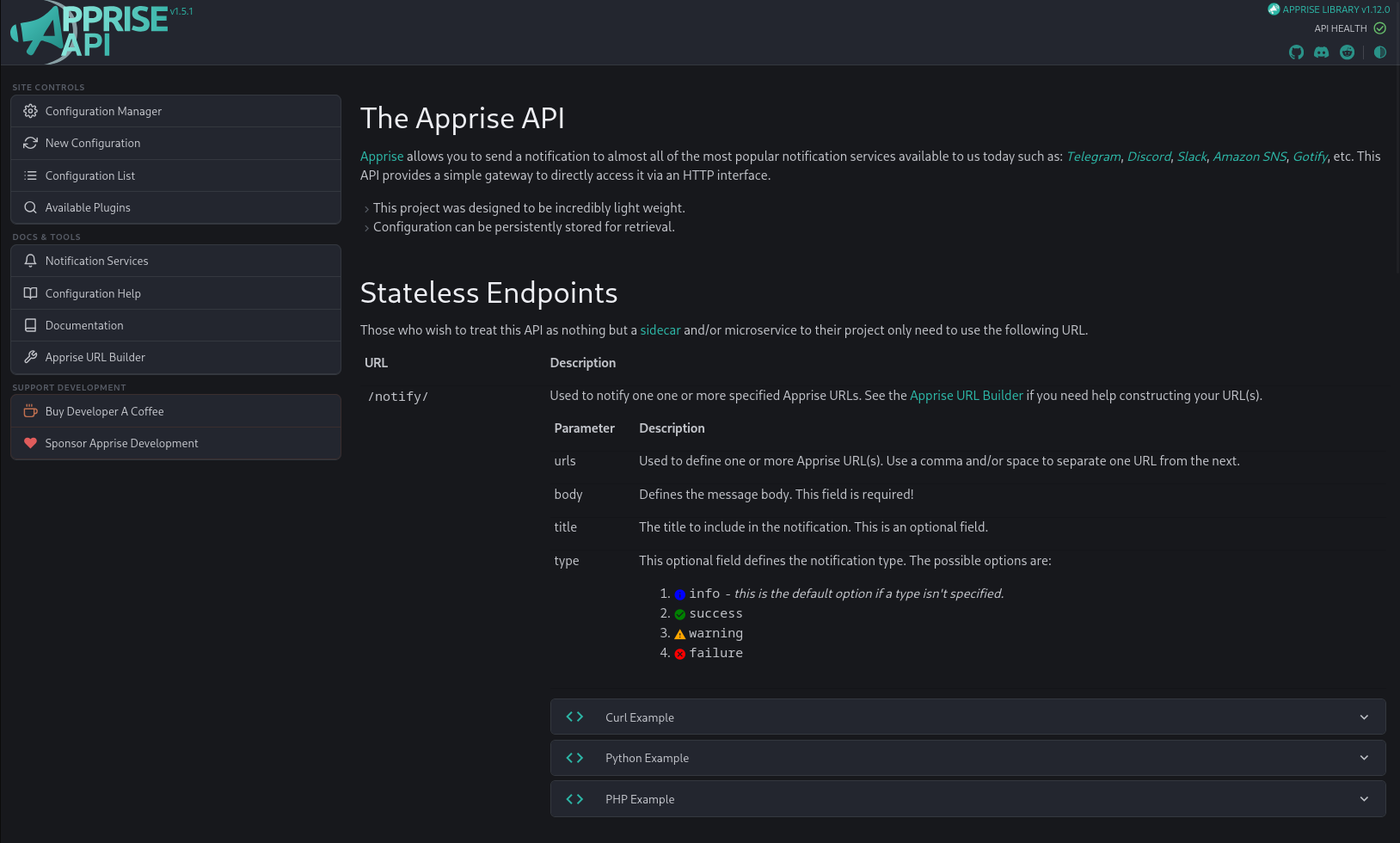
L’API inclut un gestionnaire de configuration intégré à https://apprise.rnmkcy.eu
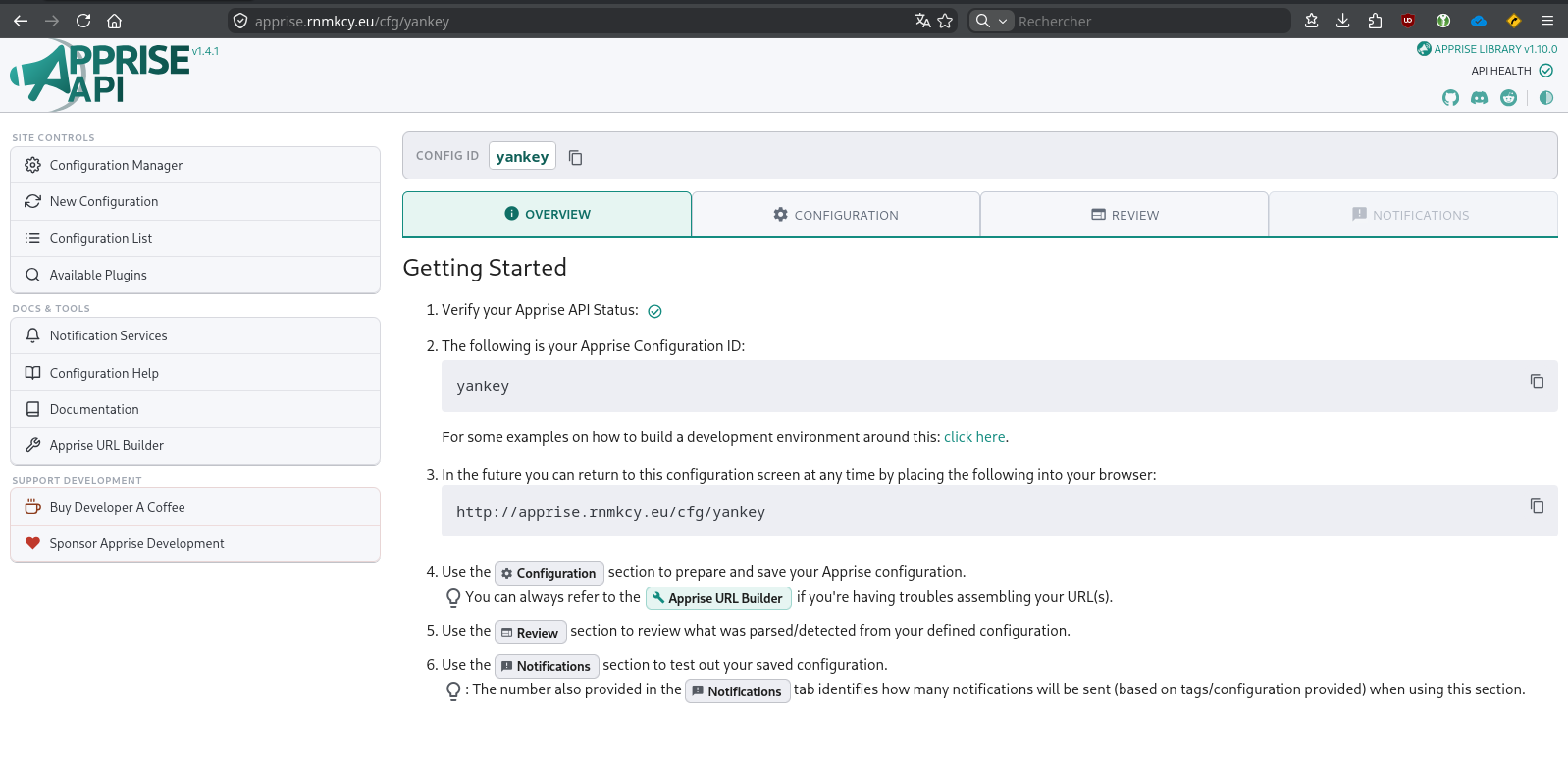
Les configurations sont stockées sous un identifiant de configuration (ou une clé) unique. Choisir un mot clé: yankey
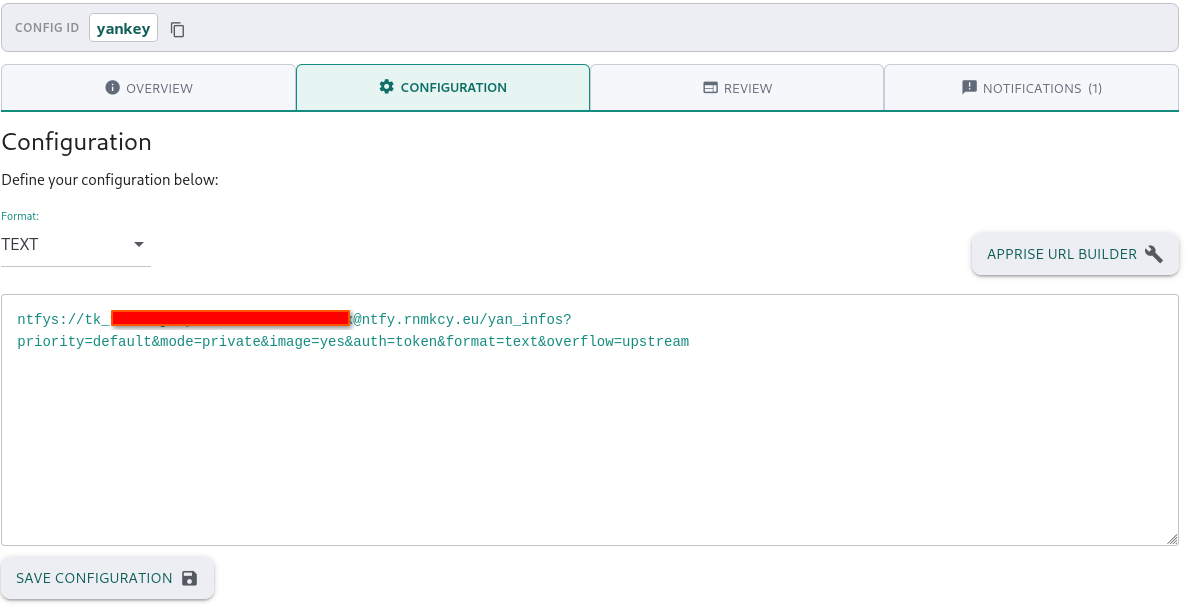
Entrez vos URL (format TEXT ou YAML) et enregistrez-les sur votre clé.
Ici on utilise ntfy
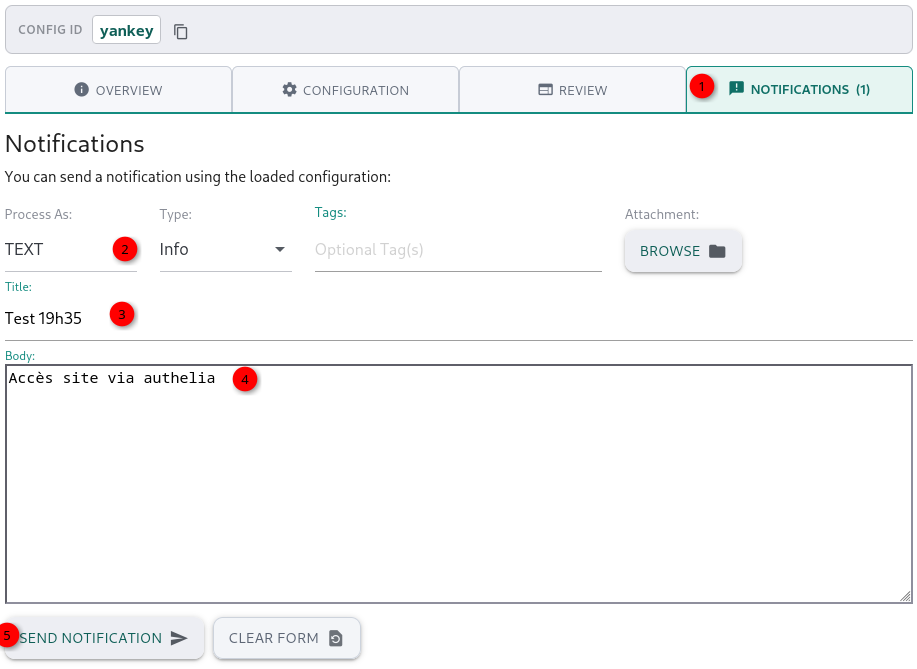
Lancer un test pour envoyer une notification
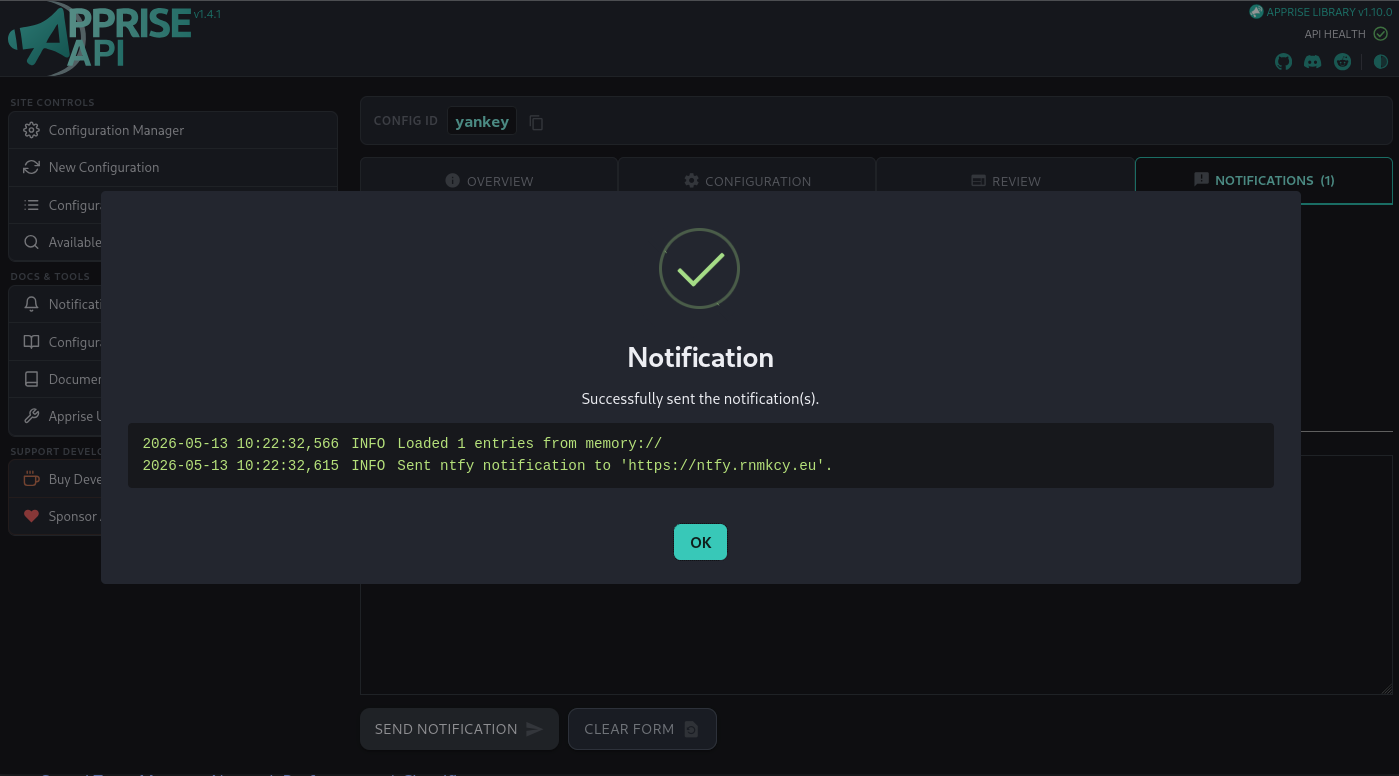
Vérification sur le serveur ntfy
